
Run

For iPhone and iPad

Make every
run count.

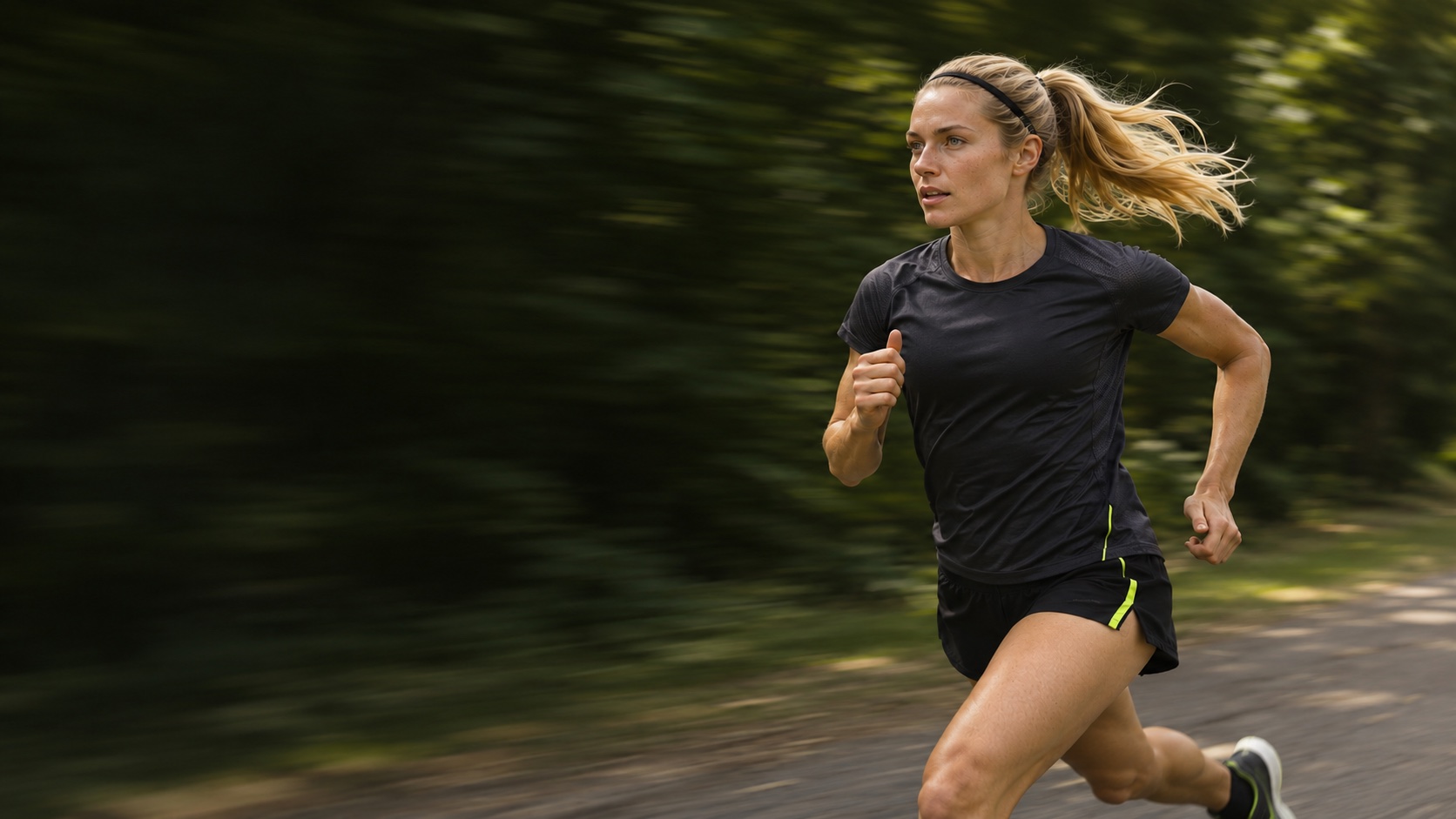
Warm up, find your pace, and see where you went. From your first run to your first race.

Before your run

Warm up for
the run ahead.

Follow timed video routines for your first run, an easy day, or a longer outing.

  • Beginner Warm-UpNew or returning runners
  • Everyday Warm-UpEasy runs
  • Long Run Warm-UpBefore a long run
  • Advanced Dynamic Warm-UpFor runners familiar with lunges and floor exercises

Sample run

5.00 km
6′12″Average pace / km
31:00Moving time

During your run

See your pace
at a glance.

Track distance, pace, moving time, and your GPS route. Check your stats on the Lock Screen with Live Activities or turn on voice updates every kilometer.

After your run

Keep a record
of every run.

Revisit your route, check your weekly distance, and note how the run felt. Share a run as an image or video.

Route
See where you ran
Weekly distance
See how far you ran this week
Run notes
Note how the run felt

Set your next goal

Go for a free run or choose a race distance and date. See reference race-day paces for half marathons and marathons.

FAQ

Do I need a race goal to start running?

You can start with a free run. Choose a distance and date when you’re ready to prepare for a race.

Can I see my run stats on the Lock Screen?

Yes, when Live Activities are enabled. GPS route tracking requires location permission.

Where can I find past runs?

Open Progress to see your run history and weekly stats. Select a run to revisit its route and notes.

Get Run

iPhone requires iOS 26 or later. iPad requires iPadOS 26 or later.

Download on the App Store

App Store link coming soon.